

Available on Pro and Business.
Both creating and joining happen in the app, under Team collaboration.
Create a team
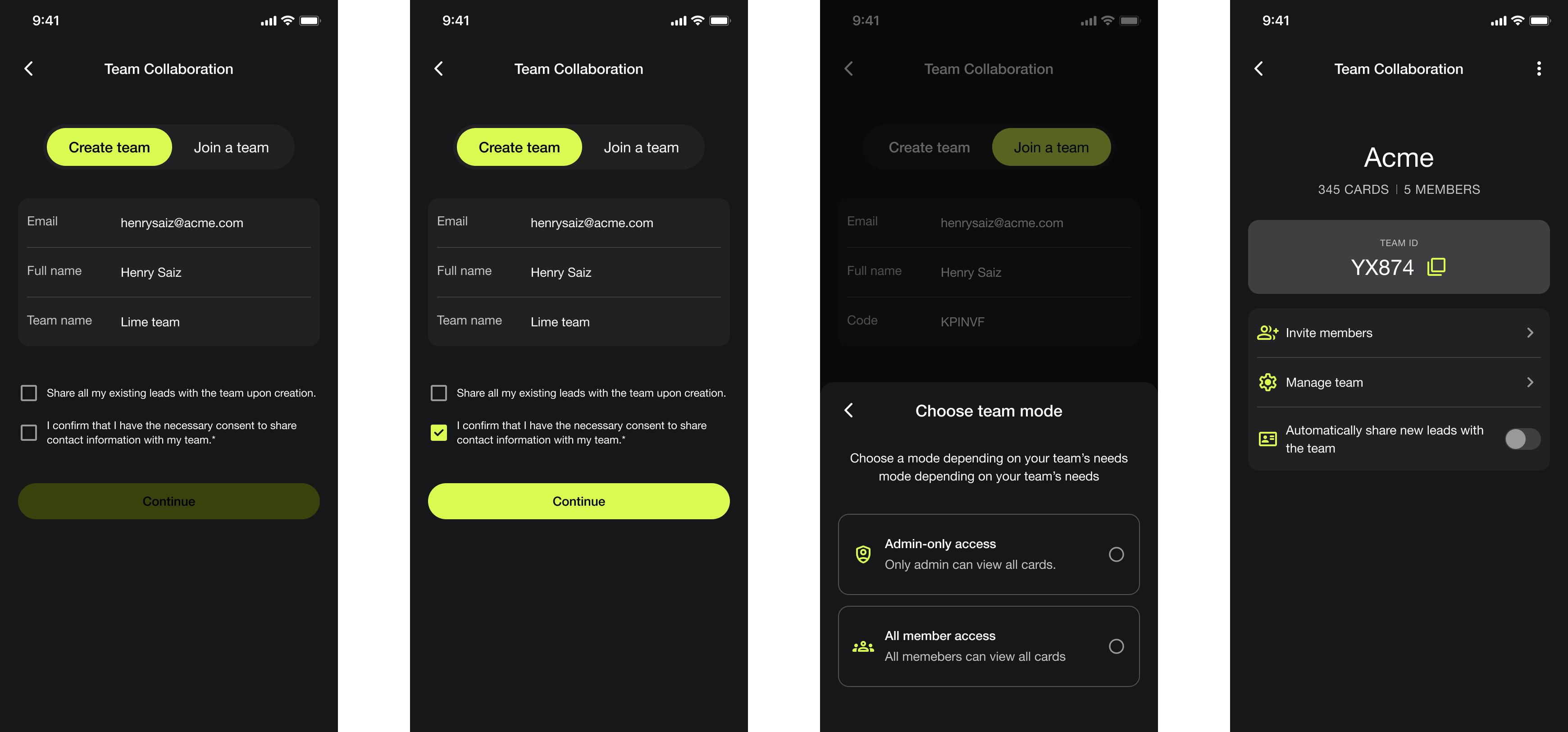
Existing-leads checkbox: Ticking it shares everything you've already captured, including anything personal you collected before the team existed. If you're not sure, leave it unticked and share individual contacts later.
Join a team
You need a team code from whoever created the team.
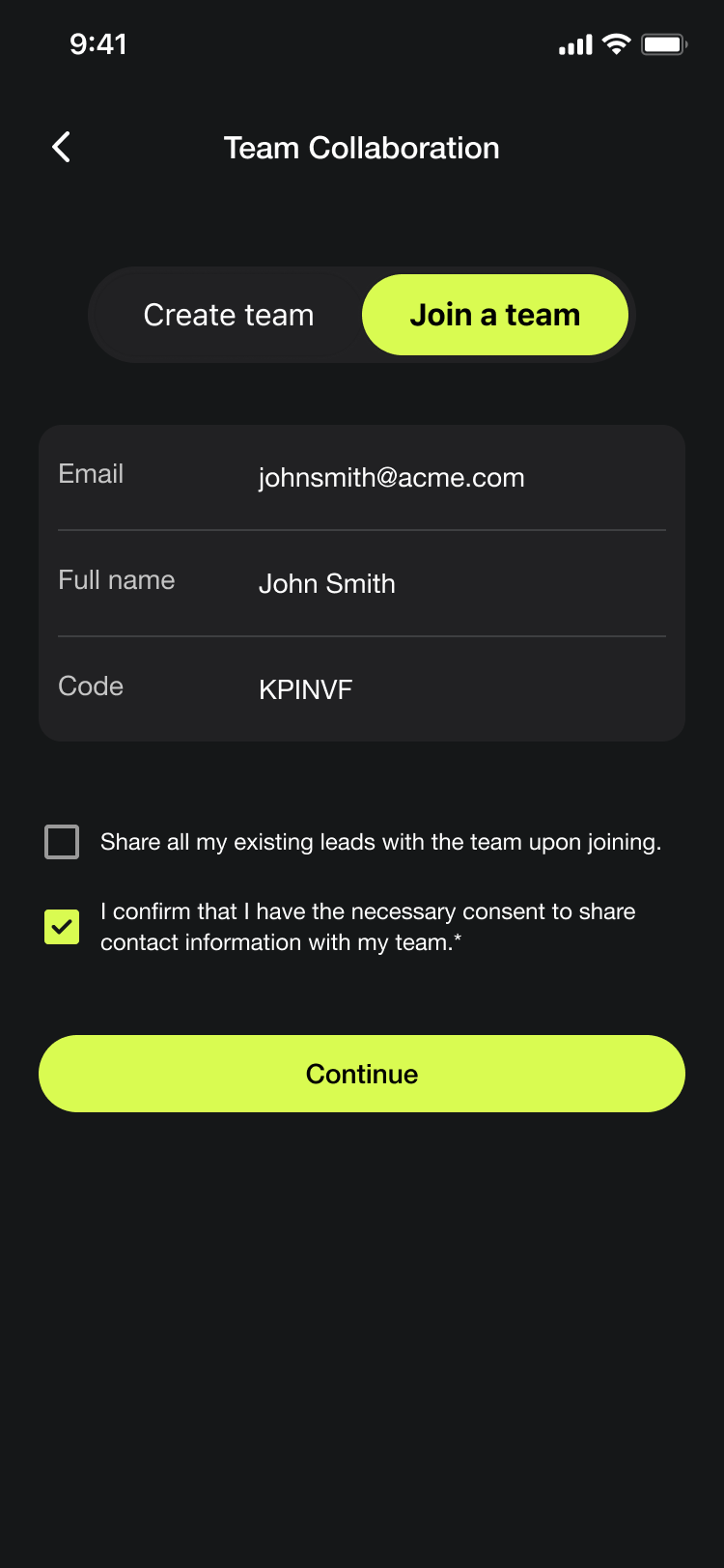
If the code is wrong or expired you'll see Failed to join team. Check it with whoever sent it rather than retrying the same value.
One team at a time
A person can belong to one team only. There's no switching between teams or belonging to two at once, so if you work across two organisations, only one of them can hold your leads.
What changes once you're in a team
Your contact list gains a Show filter with All, Team, My leads, and Private.
You can filter by which teammate captured a lead.
Sharing a contact with the team becomes an option on each contact.
Admins can see and manage leads in the portal.
Not everything is automatically shared. A lead stays yours unless you share it, or unless you ticked the box when creating the team.