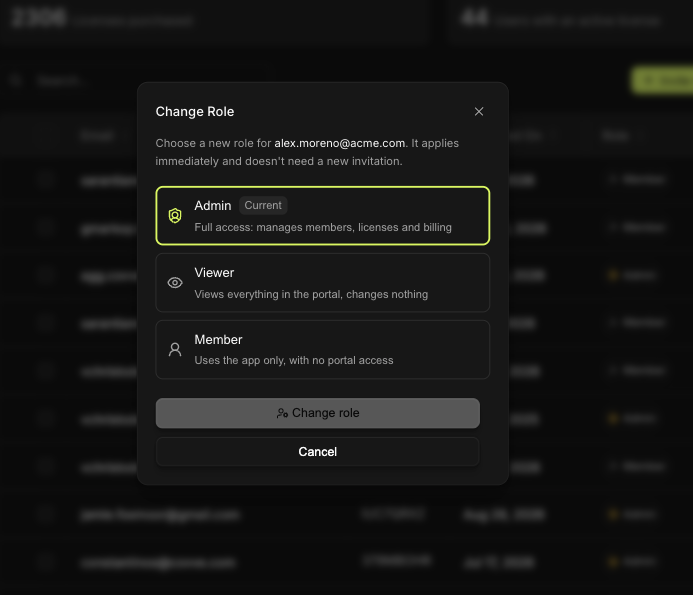

There are three roles. The difference between them is mostly about the portal, who can get into it, and what they can change once they're there.
Role | The app | The portal | Can change |
|---|---|---|---|
Admin | Yes | Full access | Members, licenses, billing, custom fields, integrations |
Viewer | Yes | Read-only | Nothing |
Member | Yes | No access | Nothing |
Admin
Full control. An Admin manages who's in the team, buys and assigns licenses, handles billing, defines custom fields, and connects CRMs.
Assign it sparingly. An Admin can remove people and change what the whole team captures.
The person that paid in the beginning is assigned as the admin of the account.
Viewer
Sees everything in the portal, leads, reports, team activity, and changes none of it.
Useful for a manager who wants the numbers without the risk of altering a configuration.
Member
Uses the app, and only the app. A Member captures leads, shares them with the team, and never signs into the portal at all.
This is the right role for most people. Capturing leads at an event doesn't require portal access.
Change someone's role
An Admin changes roles in the portal, on the User Management screen. The dialog is titled Change Role.