

Create your card
Click My business card tab.
Choose Create card.
Fill in the details you want to share.
Review it, and save.
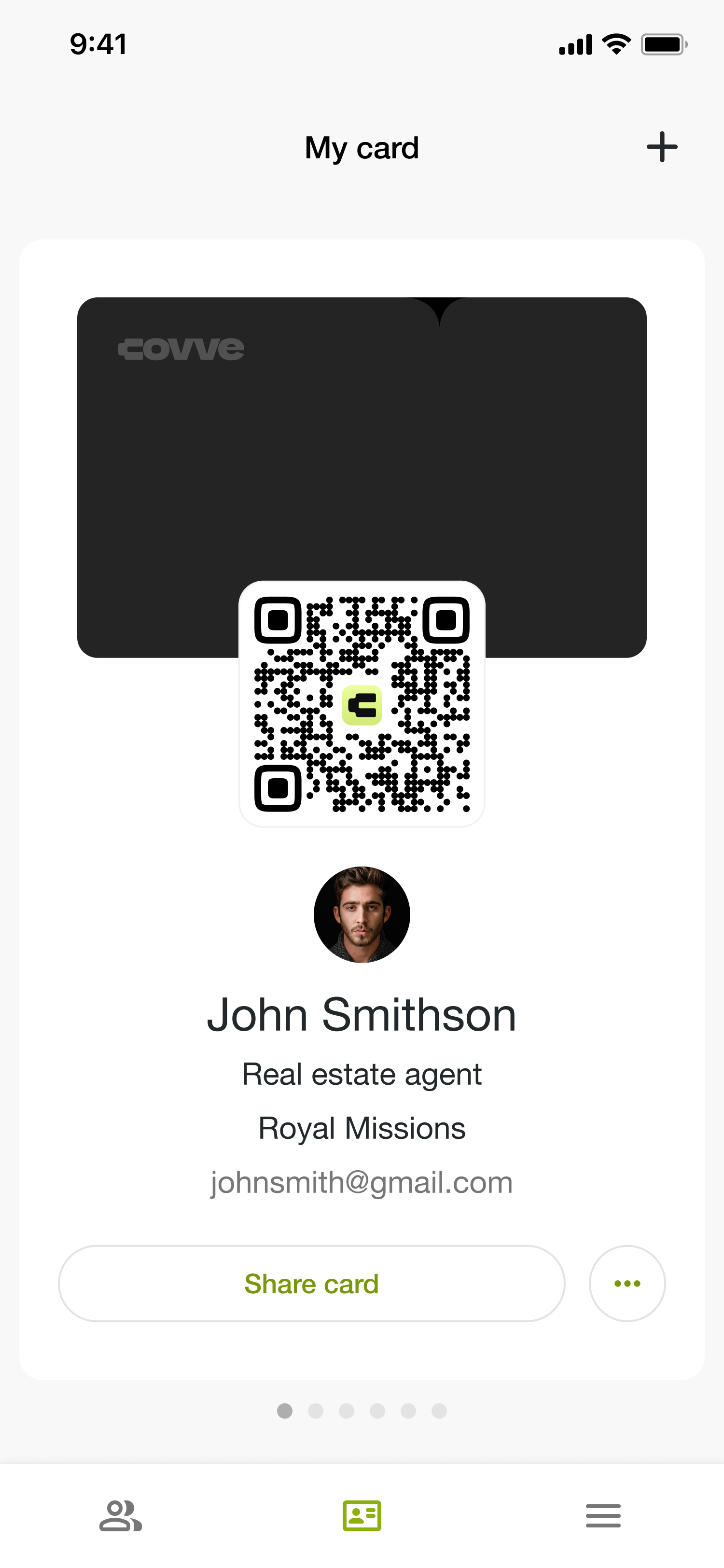
A card generates automatically an online profile where leads can land and connect with you. Their information will appear as a contact in Covve.
Connect a card you already have
If you have a physical Covve card or an event badge, the same Add card screen connects it to your profile:
Option | What it's for |
|---|---|
Digital card | Connect an existing Covve digital card |
Contactless card | Connect your existing Covve physical card |
Event badge | Connect a Covve event badge |
Connecting a physical card is a one-time setup, you hold it against the back of your phone and Covve reads it. It doesn't capture anyone; it just links that card to you. See Leads via business card
Edit your card
Open My business card and choose Edit profile.
Changes apply to the card wherever you've already shared it, the QR code points at your profile, so anyone who scans it later sees the current version. You don't need to reshare anything after a job change.
A paper card goes stale the moment you're promoted. A digital one only goes stale if you let it.
What to put on it
A role and company people recognise. Someone deciding whether to send you their details is reading this to work out who you are.
The channels you actually answer. Listing a phone number you never pick up costs you a follow-up.
Quick information about you. Let your prospects know key info about you or ice breakers.
FAQ
Is it called an eCard?
Not to customers. It's your digital business card, and the record behind it is your profile.
Can I have more than one?
You can have multiple digital cards but also physical ones.