

What you can do
Scan business cards, QR codes, and event badges.
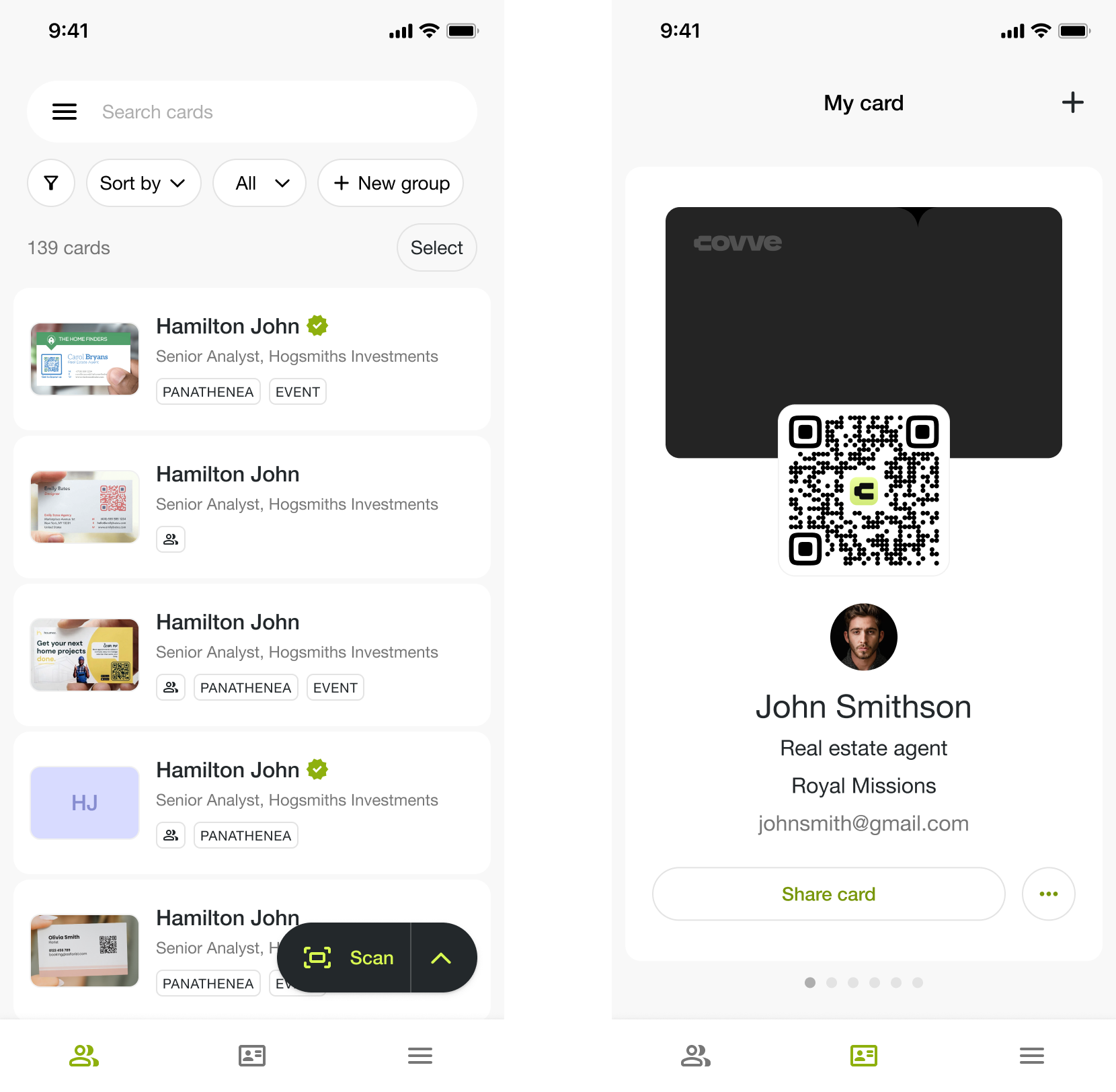
View everything you've captured on the main screen.
Search to find a contact fast.
Create and share your digital business card.
Add contacts manually or with voice capture.
Working in a team?
Team collaboration is available on Pro and Business, so the cards your team captures sit together and shared amongst the team members.
In the app, open Team collaboration, then choose Create a team or Join a team. To join one, you'll need the Code from whoever set it up.
Explore each feature
Lead collection
Scanning cards, QR codes, and badges
Capture from one screen, whichever you're holding
Adding a lead manually or with voice
No card to scan? Add the contact directly
Scan offline
Works without a connection, syncs when you're back
Do more with Covve
Organize with groups and custom fields
Sort contacts by event, client, or your own system
Manage contacts in bulk
Delete, export, or group several at once
Exporting your contacts
Take your contacts out of Covve as a spreadsheet or to your CRM
AI Instant Bio
Get background information on a contact and their company
Your digital business card
Create it, share it, and see who opened it
Send a lead to your CRM
Push a contact into a connected CRM from the app
Managing a team?
See The Covve portal at a glance for licenses, team members, CRM connections, and reporting.
Need support?
Contact your dedicated Customer Success Manager, or reach us at support@covve.com.